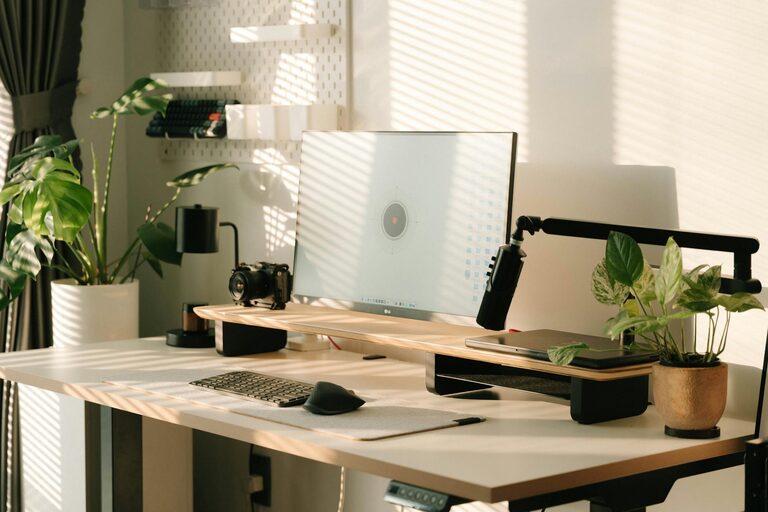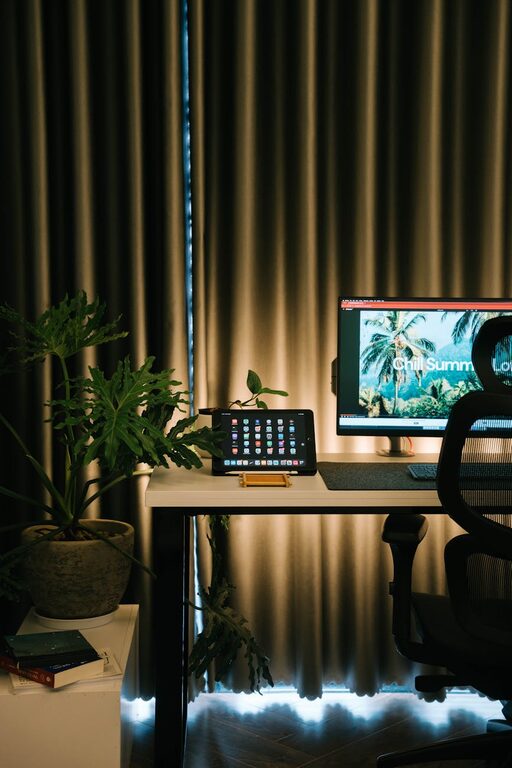
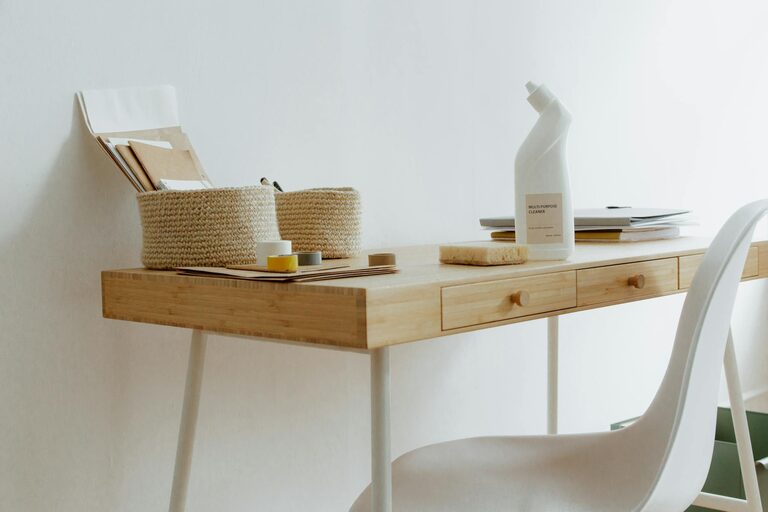
Creating a clutter-free and organised home workspace can significantly improve your focus, efficiency, and overall well-being when working from home. With distractions always within reach, having a dedicated and tidy area helps set the right mood for productivity. Whether you have a separate room or just a small corner, these practical tips will help you transform your workspace into a calm, functional environment.
Why a Clutter-Free Workspace Matters
A cluttered workspace can increase stress levels and reduce your ability to concentrate. When your desk is piled with papers, gadgets, and miscellaneous items, it’s harder to find what you need, leading to wasted time and frustration. On the other hand, a neat and organised area creates a sense of control and calm, helping you stay focused on your tasks.
Planning Your Workspace Layout
Choose the Right Spot
If possible, select a quiet and well-lit area for your home workspace. Natural light is ideal as it reduces eye strain and improves mood. Consider placing your desk near a window, but avoid direct sunlight on your screens to reduce glare.
Consider Ergonomics
Set up your desk and chair to support good posture. Your feet should be flat on the floor, knees roughly at a 90-degree angle, and your computer screen should be at eye level. Investing in an adjustable chair or sit-stand desk can greatly improve comfort.
Decluttering and Organising Strategies
Clear the Surface
Start by removing everything from your desk and sorting items into categories: essentials, occasionally used, and non-essential. Only keep what you need daily within arm’s reach.
Use Storage Solutions
– Drawers and trays: Use desk drawers to store stationery and small items. Drawer organisers help keep things tidy.
– Shelves and filing cabinets: Allocate space for documents, books, or equipment that you don’t need every day but want to keep nearby.
– Cable management: Use clips, sleeves, or cable boxes to organise charging cables and power cords, preventing tangles and messy surfaces.
Label and Categorise
Label boxes, files, and drawers for easy identification. This reduces time spent searching for items and encourages consistent tidiness.
Maintaining a Tidy Workspace
The One-Minute Rule
If a task takes less than a minute—like putting away a pen or filing a paper—do it immediately to prevent clutter buildup.
Regular Reviews
Set aside a few minutes at the end of each day or week to tidy your workspace. Reassess your storage system and adjust if necessary to suit your workflow.
Minimise Paper
Try to go digital where possible by scanning receipts, notes, and other documents. Use cloud-based tools to organise files and reduce paper clutter.
Personalising Without Cluttering
While it’s important to have a clean workspace, a few personal touches can make your area more inviting and motivating.
– Add a small plant or two for a splash of greenery.
– Place a favourite photo or artwork within view.
– Use a stylish but practical desk organiser to keep essentials tidy.
Be mindful not to overdo it—too many decorations can distract rather than inspire.
Useful Tools and Apps
Consider using productivity tools like digital calendars, to-do lists, and focus timers to support your organisation beyond the physical setup.
– Trello or Asana for task management.
– Evernote or OneNote for digital note-taking.
– Pomodoro timers to encourage focused work intervals.
These apps reduce the need for physical notes and help you keep track of priorities effectively.
Final Thoughts
Creating a clutter-free and organised home workspace doesn’t require a complete overhaul. Start small, keep only what you need, and organise your tools in a way that supports how you work best. With a clear environment, your mind will follow, making it easier to tackle projects and maintain a healthy work-life balance.
Remember, your workspace should serve you—not the other way around. Take the time to design a setup that feels comfortable, efficient, and inspiring.
About the Author