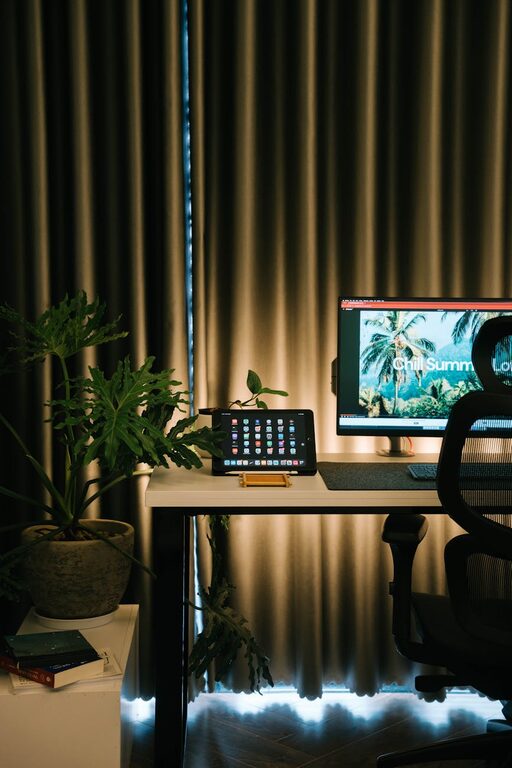
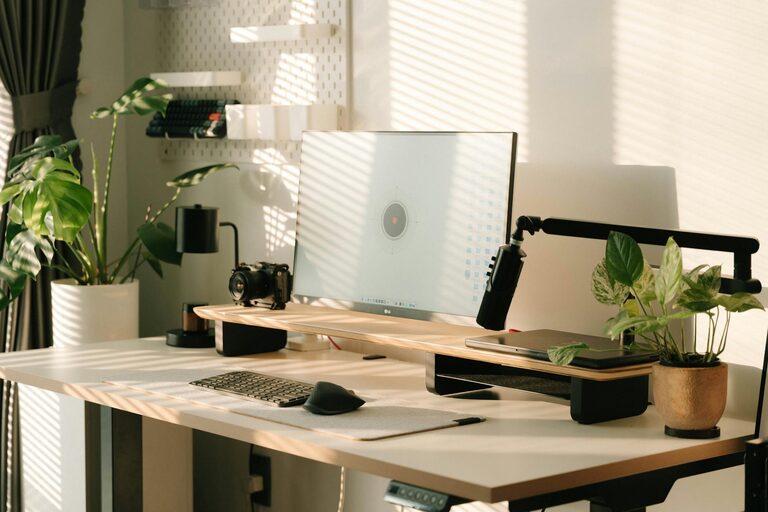
Creating a productive home office space is essential for anyone working remotely or running a business from home. A well-organised and comfortable workspace can enhance your focus, limit distractions, and improve your overall work experience. Whether you have a dedicated room or a small corner, these tips will help you set up an effective home office that suits your needs.
Choose the Right Location
Prioritise Natural Light
Positioning your desk near a window allows you to benefit from natural daylight, which can improve mood and reduce eye strain. Aim to have your screen positioned to avoid glare but still receive plenty of indirect light.
Minimise Distractions
Pick a quiet spot away from high-traffic areas and noise whenever possible. If your home is busy, consider noise-cancelling headphones or a white noise machine to maintain concentration.
Invest in Comfortable and Functional Furniture
Ergonomic Chair and Desk
An adjustable ergonomic chair supports your back and helps you maintain good posture, reducing discomfort during long working hours. Pair this with a desk at the appropriate height so your arms rest comfortably while typing.
Use a Standing Desk Option
If space allows, consider a sit-stand desk. Alternating between sitting and standing can promote better circulation and reduce fatigue.
Organise Your Workspace Effectively
Declutter Regularly
Keep your desk clear by only having essentials within reach. Use cable organisers to manage cords and avoid a tangled mess.
Storage Solutions
Incorporate shelves, drawers, or filing cabinets to store documents and office supplies neatly. Label containers and folders for quick access.
Personalise Mindfully
Add a few personal touches like plants, photos, or artwork to create a pleasant atmosphere, but avoid overcrowding your workspace.
Optimise Lighting
Use Layered Lighting
Combine natural light with ambient and task lighting. A desk lamp with adjustable brightness helps reduce eye strain during late work hours.
Choose the Right Bulb Colour
Warm white light is relaxing, while cool white or daylight bulbs can help you stay alert and focused.
Set Up Technology and Tools
Reliable Internet Connection
Ensure your internet speed meets the demands of your work, especially if you use video conferencing or large file uploads frequently.
Quality Equipment
Invest in a good monitor, keyboard, mouse, and headset. These tools can improve comfort and efficiency.
Back Up Data Regularly
Use cloud storage or external drives for regular backups to protect your work.
Establish Boundaries and Routines
Dedicated Working Hours
Set specific hours for work to separate professional time from personal life. Inform household members of your schedule to reduce interruptions.
Take Regular Breaks
Use techniques like the Pomodoro method (working for 25 minutes, then taking a 5-minute break) to maintain productivity and avoid burnout.
Maintain Good Air Quality and Temperature
Ventilation
Fresh air reduces fatigue and improves concentration. Open windows when possible or use an air purifier.
Comfortable Temperature
Adjust heating or cooling to a comfortable level to avoid distraction from being too hot or cold.
Keep Your Workspace Inspiring and Motivating
Use Inspiring Colours
Paint or decorate your office with colours that energise or calm you, depending on your preference. Blues and greens often promote focus and relaxation.
Inspirational Quotes or Goals
Display motivational quotes or your daily goals where you can see them to stay encouraged throughout the day.
—
Creating a productive home office space doesn’t necessarily require a large budget or a lot of space. Thoughtful planning, good ergonomics, and clear routines can make a significant difference to your working day. Start by assessing your current setup and consider which of these tips fit your lifestyle to design a workspace that inspires you to work at your best.
About the Author